



Royalzino Mobile Platform
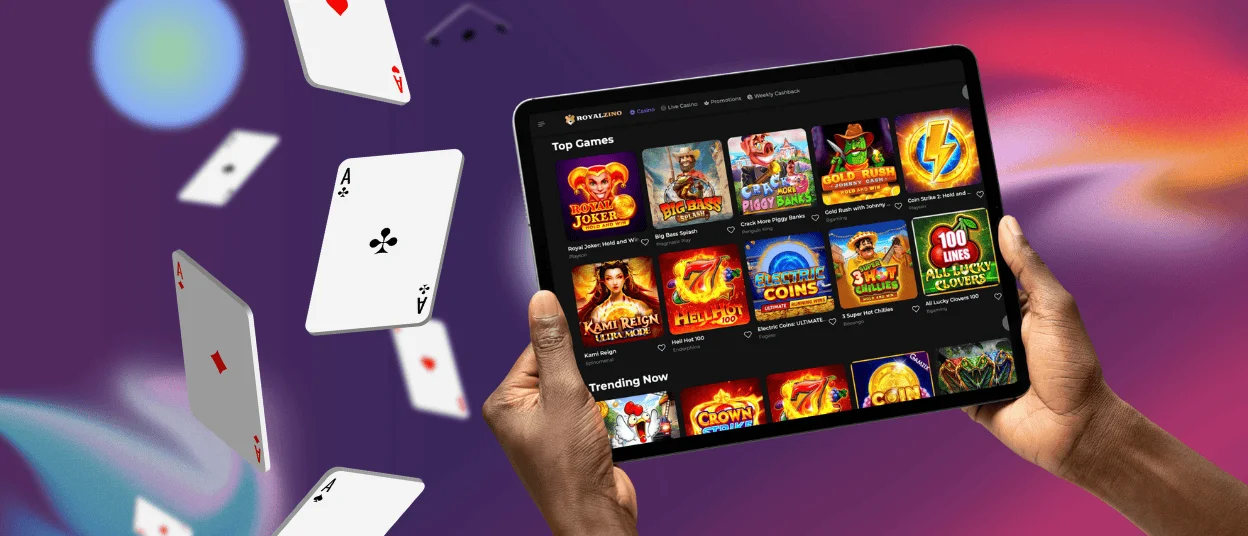
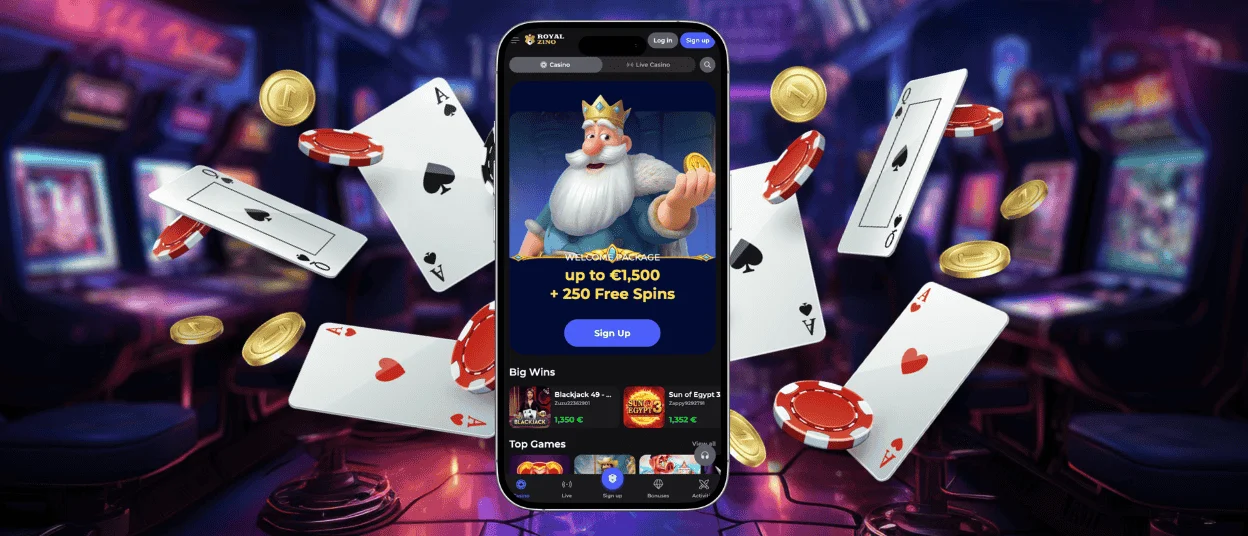
No matter what device or platform you’re using, we’ll have a solution for you. For everyone who prefers to play on a smartphone or tablet, there’s a convenient Royalzino app, as well as the browser version. Both of them adapt to your screen size and offer all the same functionalities as on the main desktop platform. If you enjoy playing from the comfort of your house on a PC or laptop, we also have a solution for you.



Play on the Go With Royalzino
Having a mobile version of a website is not just a wish but a must for all modern brands. Our clients prefer to be flexible and play no matter where they are. That’s why we offer them not just one but multiple options to choose from. Royal Zino Casino has a mobile browser version and dedicated software.
We don’t limit our users and allow them to choose the most convenient option or even a combination of them. The Royalzino app and the browser version are both reflections of the main PC website, offering games, payments, bonuses and customer service.
The table below will help you understand some technical details of the Royal Zino application so you can decide whether it is a good fit for you.
| Technical component | Details | User benefit |
| Lightweight code structure | Scripts are optimized and assets are compressed to reduce unnecessary background processes. | Faster loading times and minimal data use. |
| Adaptive responsive design | Automatically adjusts layout and resolution to different screen sizes. | It offers consistent usability on smartphones and tablets. |
| Background auto-updates | Updates are deployed and applied automatically when the page is reloaded. | You always access the latest version without manual updates. |
| Secure cloud-based hosting | Hosting is provided on high-performance servers equipped with load-balancing technology. | It delivers stable performance, even during periods of high traffic. |
| Optimized caching system | Elements that are frequently accessed are stored locally on the device temporarily. | Faster page transitions and reduced loading delays. |
Royal Zino Casino – Easy Installation on Android
If you have an Android device, you can easily play on it. By using any mobile browser, players can access our official Royalzino Casino website. It’s optimized for touch control, so you can enjoy online slots, live casino or betting without any interruptions.
For a more personalized gaming experience, all registered users can install our progressive web application (PWA). The process can be easily done straight from the website without any additional account in the app store. Simply follow the steps below for a seamless Royal Zino app installation:
- It’s necessary to visit our official website on an Android device using Google Chrome or another browser.
- In the address bar, find the “More” button and click on it.
- Users must choose “Add to home screen” from the list.
- Here, you’re allowed to customize the future icon by changing its appearance and name.
- By clicking “Add”, you’ll submit the process and the Royalzino icon will appear on your home screen.
Mobile Software for iOS Users
iPhone and iPad users shouldn’t be worried, as they are also allowed to access the Royalzino Casino mobile version on their devices. The installation process is straightforward and won’t take a lot of time. Our iOS mobile software is user-friendly and offers smooth gameplay.
Users can combine the play on PC, the mobile browser version and the Royalzino app. To do that, you only have to log in to the same account. All your personal details and balance will be synchronized. If you make the first withdrawal from a smartphone, you have to complete the verification process. It requires uploading copies of your personal documents.
Advanced Security Architecture
Using our platform is fully safe for you and your personal details. The Royalzino Casino application uses specific security measures that will make your experience even more protected. First, we use TLS 1.3 encryption, which ensures that communication between the mobile device and the server is safe.
We have a special automatic logout function that ends inactive sessions on your smartphone or tablet. Additionally, we have a permanent fraud monitoring system that detects suspicious behavior on the Royalzino platform.
Royalzino for PC or Laptop
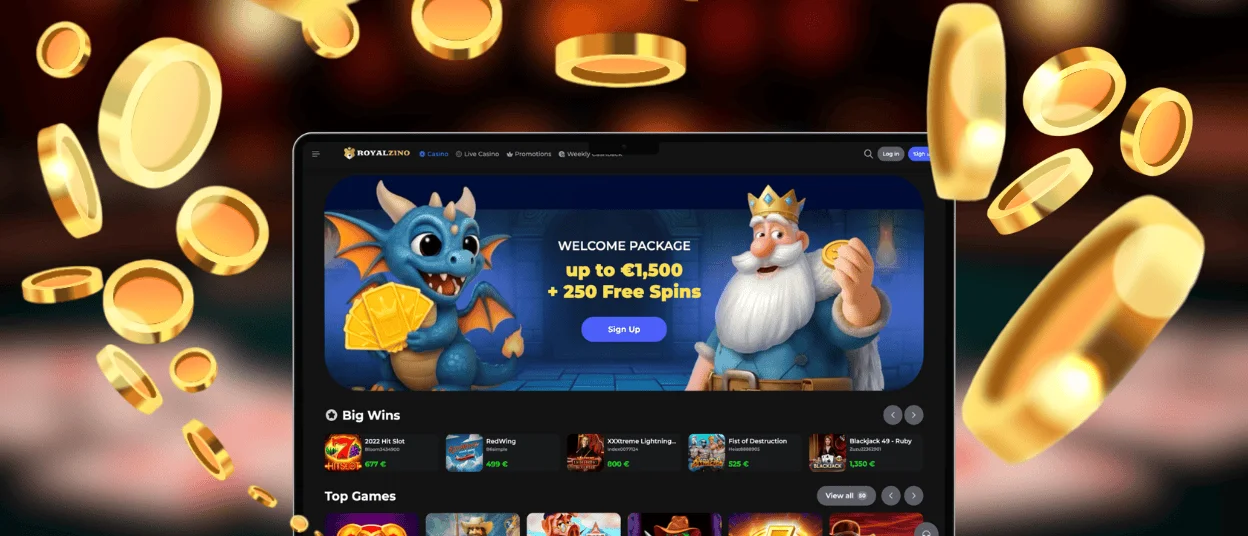
There is always an option to play on a bigger screen when using Royalzino Casino on a PC or a laptop. We understand that for some people it’s important to do it at home, where they feel the most comfortable. Our website will adapt to the resolution and size of your screen, so you won’t miss anything.
Players can also install a shortcut icon of the online casino page. It will allow them to access our platform with one click from the home screen. If you’re not sure how to do it, simply contact our support team via live chat or email. It is available 24/7 and will get back to you as soon as possible.
FAQ
I installed the Royalzino app but it doesn’t open on my phone. What should I do?
The user should check whether they have a stable internet connection. You can also try to reinstall the mobile software. If it still doesn’t work, contact our support team and mention what model of mobile you use. Our Royal Zino managers will check everything and find a solution for you.
Can I set up specific notifications in the mobile casino?
That’s one of the many features that make the Royalzino app more personalized. Players can enable notifications for game updates, bonus news or any other convenient and needed information.
Is demo mode available for smartphones and tablets?
You can use the demo mode from a smartphone or tablet. Many of our slot machines and crash games are available in this category. All titles are optimized for touch control. To start playing for real money, you need to make a deposit.


